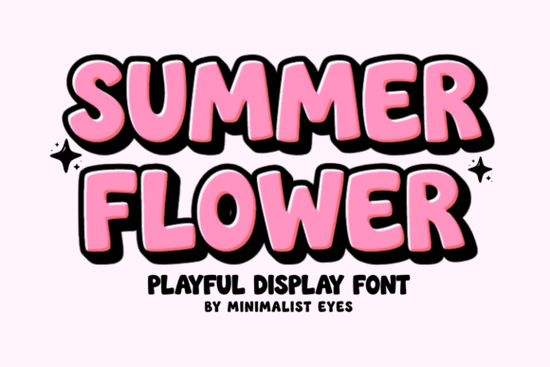
Seasonal projects need a typeface that reads clearly while keeping a warm feel. Summer Flower Font delivers that balance. Built with thick, rounded strokes, it keeps text readable on small tags and large banners. It plugs into Cricut, Silhouette, or standard editors without extra cleanup steps. Crafters, print-on-demand sellers, and small business owners can rely on it for consistent results across multiple product types.
How does the bubbly letter shape change your craft layouts?
The rounded terminals and slightly uneven baseline mimic the natural pressure of a hand-lettered marker. Instead of a rigid look, you get a friendly shape that works well on nursery wall art, party signs, and café menus. Pair it with simple floral vectors or soft pastels for quick seasonal drops. If you want a similar retro vibe, the Hello Angela collection covers vintage poster styles effectively.
Will it cut cleanly on vinyl and heat transfer sheets?
Smooth cutting depends on consistent stroke width and properly closed paths. The designer traced these letters specifically for crafting workflows, so weeder hooks and tiny islands stay minimal. Thick sections survive the weeding process, and the curves hold together when you press heat vinyl onto cotton or polyester. Many sellers note fewer blade drag issues compared to ultra-thin scripts. For basswood or thick acrylic, heavier options like Thick Honey Duo often prevent edge fraying.
What do PUA encoded characters actually do for my software?
PUA stands for Private Use Area, a reserved Unicode section where type designers hide extra glyphs. When enabled, alternate letters, swashes, and decorative marks map directly to standard keyboard keys. You skip the glyph panel search and do not need to copy-paste from preview files. Open Font Book or Windows Character Map, select the font, and the full set appears instantly.
Which summer products benefit most from this style?
Warmer months drive steady demand for light, upbeat typography. It performs best on tote bags, bottle labels, window decals, and teacher appreciation gifts. The bold weight stays legible from several feet away, making it reliable for market signage and pop-up banners. Pair it with a neutral sans-serif for body copy to maintain visual hierarchy. Apparel designers testing similar layouts often browse Groovy Cute for mockup comparisons.
How should I license and export for commercial sales?
Always download the newest archive to secure complete glyph coverage and updated hinting tables. Extract the files, install them in your system folder, and restart your software before testing. Convert all text to outlines before uploading to print-on-demand servers so the artwork renders correctly without substitution. Keep an editable backup for future edits. Streetwear brands and merch shops frequently reference Hunter's K-Pop when planning bold drop campaigns. You can also verify technical specs on the Summer Flower Font product page.
What small tweaks prevent common cutting mistakes?
Always run a small test piece on your exact material first. Adjust blade depth to match your mat grade, then inspect corners for lifting or incomplete cuts. If you rely on Print Then Cut, use high-contrast ink so the sensor tracks registration marks accurately. Let pressed designs rest on a cooling rack before removing the backing carrier. This simple step prevents stretching on tight curves and keeps the adhesive bond secure.
- Preview at full scale to catch overlapping nodes.
- Test weed a corner before running the full batch.
- Convert to paths before marketplace uploads.
- Save flat images for social previews and watermarks.
- Read the license terms to confirm physical and digital limits.
Start with single-color prints on standard vinyl to verify spacing, then move to layered transfers once your alignment feels consistent. For looser layouts and summer gradients, Groovy Melt adds a relaxed flow that pairs nicely with warm palettes. Check your software settings before final export to ensure all curves rasterize smoothly.
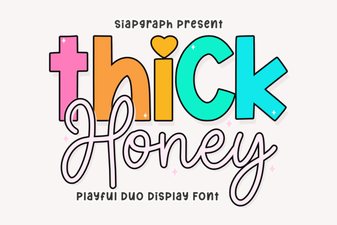 Thick Honey Duo Font: Style & Usability Guide
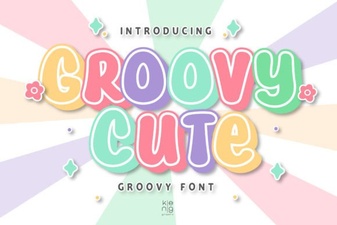 Groovy & Cute Fonts for Fun, Friendly Designs
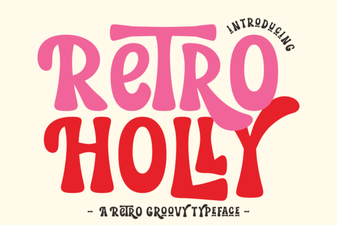 Retro Holly Font: Creative Design Styles & Ideas
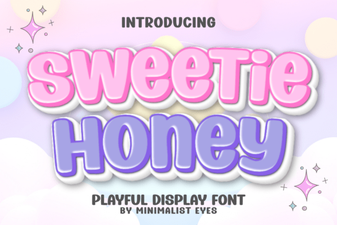 Sweetie Honey Font for Cozy Project Designs
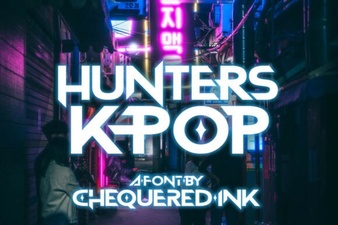 Hunters K-Pop Font: Design Guide and Creative Uses
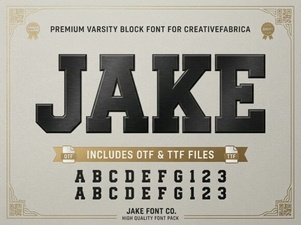 Discover Jake Font for Creative Design Projects